Give Your Past Trips a Place in Bonder Passport
That trip you still bring up whenever someone asks for travel stories? Give it a home outside your camera roll. September's big update lets you add trips you've already taken and watch your Bonder Passport become more yours with every place you add.
🛂 Your travels, mapped and stamped
You can now add a trip you've already taken, for free. Pick the year, places, and people you traveled with, and it joins your Past trips.
Past trips and completed planned trips feed your Bonder Passport. See the places you've been on a map, check your travel totals, and flip through your destination stamps. Look at one year or the whole story so far.
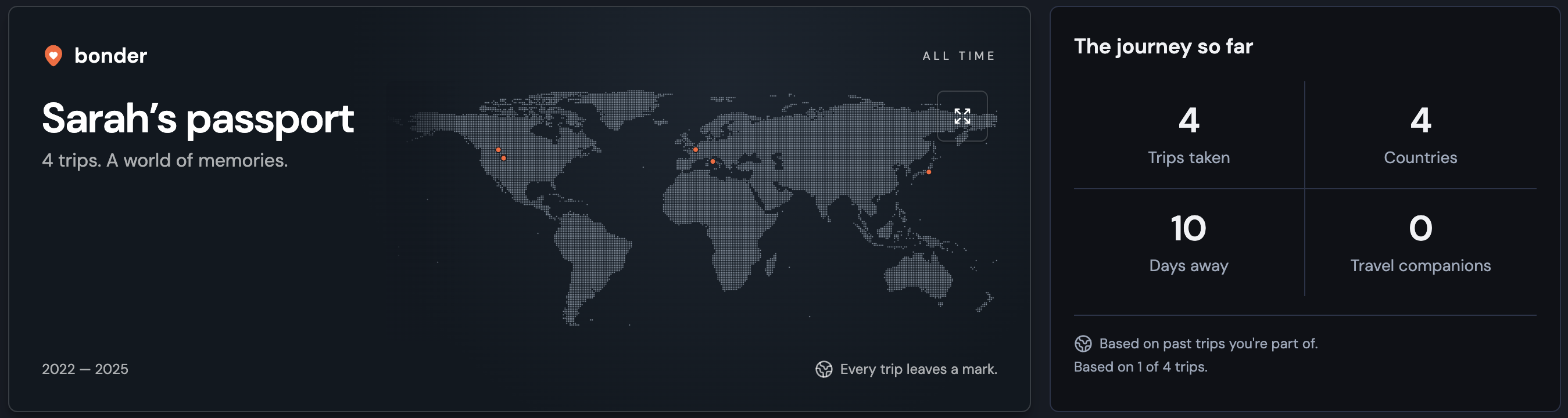
And there's a lot to collect. Every country and territory in Bonder's 249-place catalog now has its own engraved illustration, as do all 50 US states and Washington, DC. Each trip you add gives your Passport another chance to fill in.
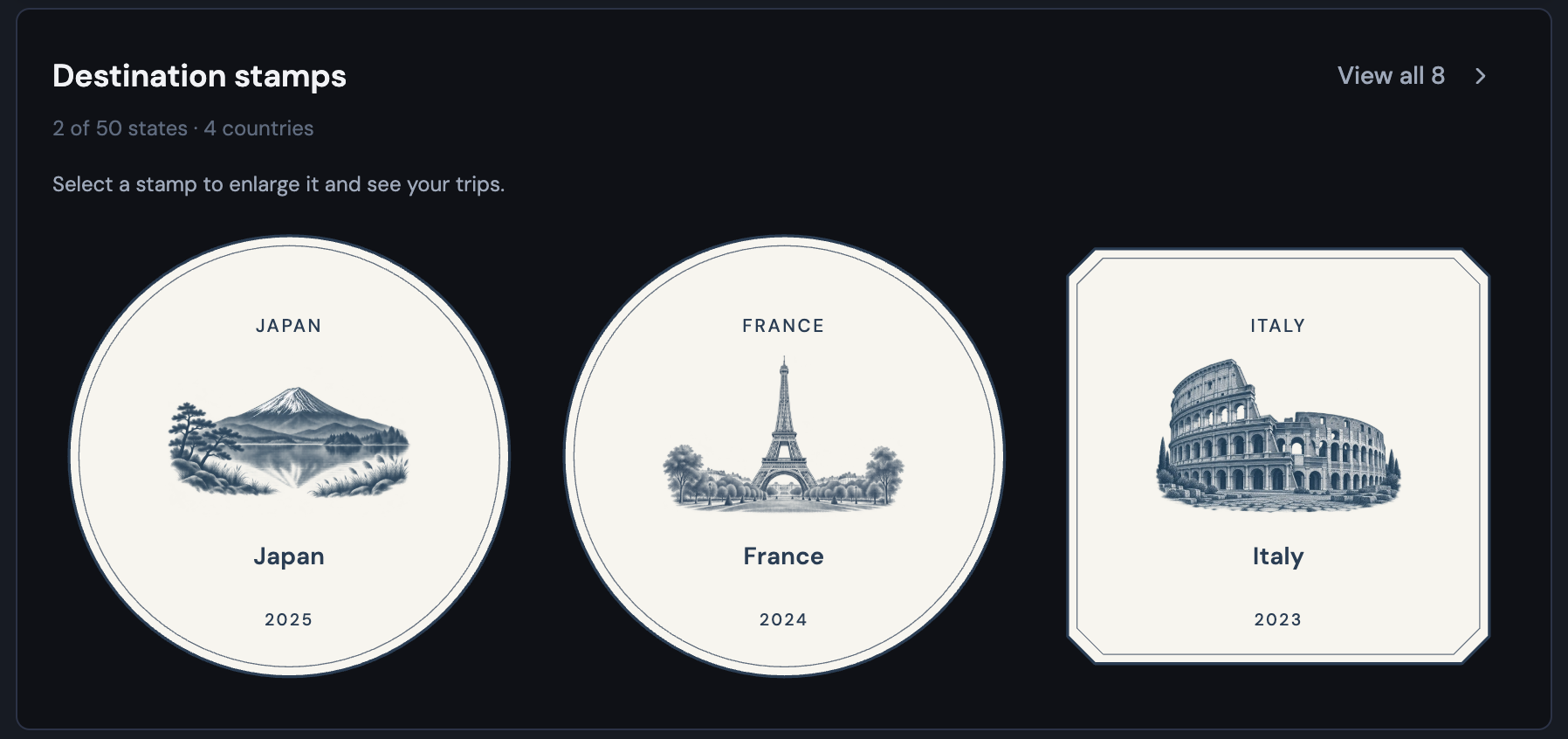
Tap the map or a stamp to get a closer look. When you want to show someone, preview your shareable Passport image, then save or share it.
🧭 Less staring at an empty plan
Your destinations can now do a little more of the planning with you. Each one can have a short introduction and a few things to see and do; Bonder suggests ideas and you can make them your own. From your trip Overview, you can also change the place, nights, photo, and highlights in one spot.
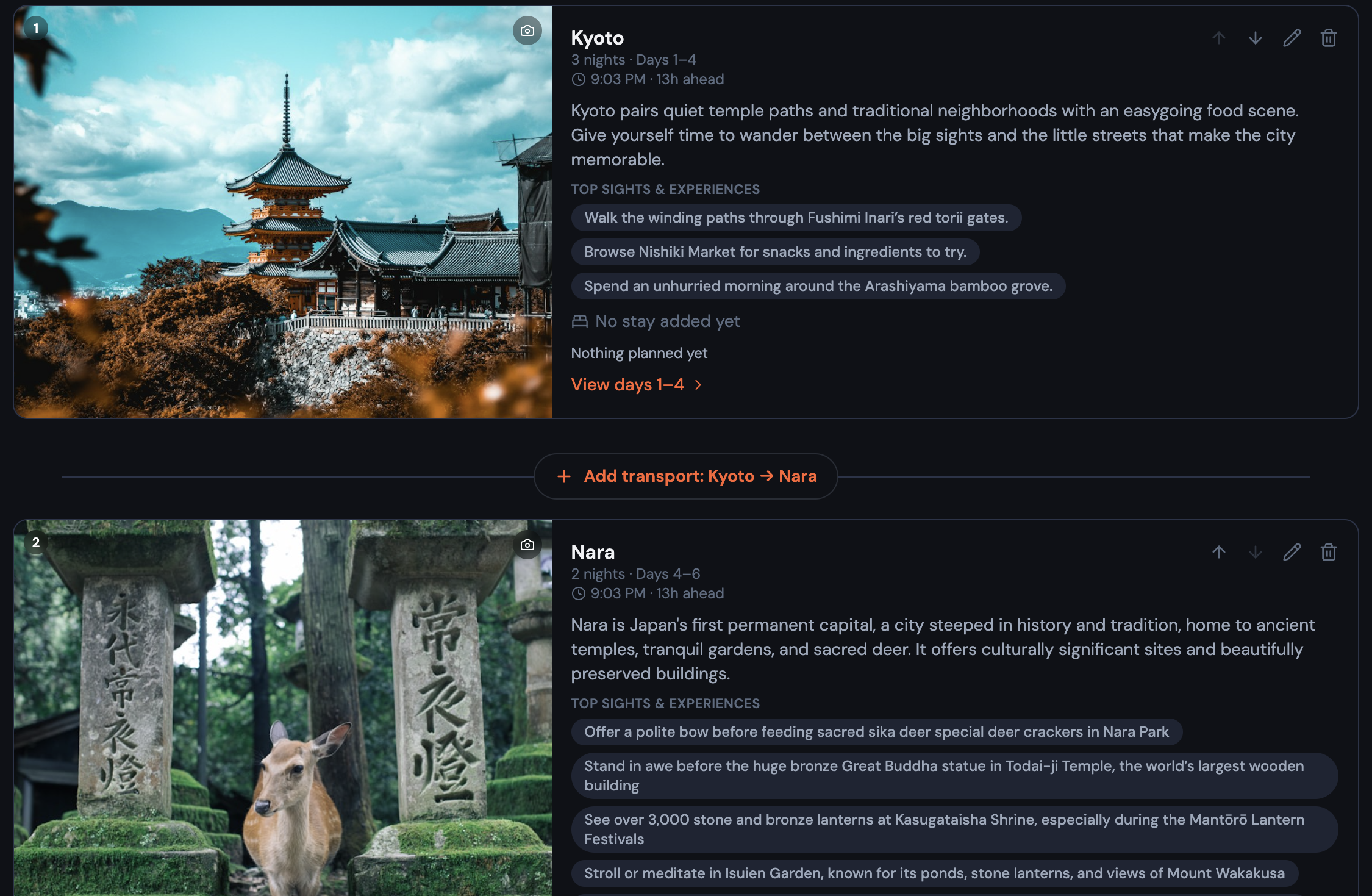
And when it's time to turn ideas into an actual trip:
- Start where you are: bring in a plan from a website, search for ideas, or add the first stop yourself.
- Catch the gaps: see when a day has no plans, a night has no place to stay, or a stretch has no way to get there, then jump in to fix it.
- Tell Bonder what works for your group: set interests and limits, like how long you're willing to drive at once, so the first trip outline fits you better.
📱 Your itinerary, easier on your phone
Your mobile itinerary now opens on a useful day and gives your plans more room to breathe. Pick a day or see them all; your choice and filters stick when you switch between the list and map.
Tap a plan to check its details, saved website, or location before deciding to edit it. The map leaves more space for the places you're looking at, while search, nearby spots, and travel times stay close at hand.
🐛 Fixes and polish
- Plans with times stay in time order, while plans without times keep the positions you chose.
- On mobile, there's a clearly labeled way back to your trips.
- Hotel nights and checkout dates now agree wherever you see them.
Your next Passport stamp might already be in your camera roll → Add a past trip for free
Your next trip starts as an idea.
Save it in Bonder, then plan it day by day when you're ready. Free to start.
Try Bonder free →