One Price Per Trip, No Subscription — Plus Search, Briefings, and Better PDFs
May was a month of "wait, why was it ever the other way?" The biggest one: Bonder no longer runs on a yearly subscription. You pay once, per trip, and that's it. A bunch of other things got faster, smarter, or just less annoying along the way.
💳 One Trip Pass, no subscription
Here's the deal now: unlock a trip once for a flat price, and everyone you invite gets full access to plan with you. No recurring charge, no "is this still billing me?", nothing to cancel later. Your first trip is on us — no card, no catch.
If you're someone who plans a couple of trips a year, this just makes more sense than paying year-round for something you use in bursts. (If you were already on the old yearly plan, you're grandfathered — nothing changes until your current period ends.)
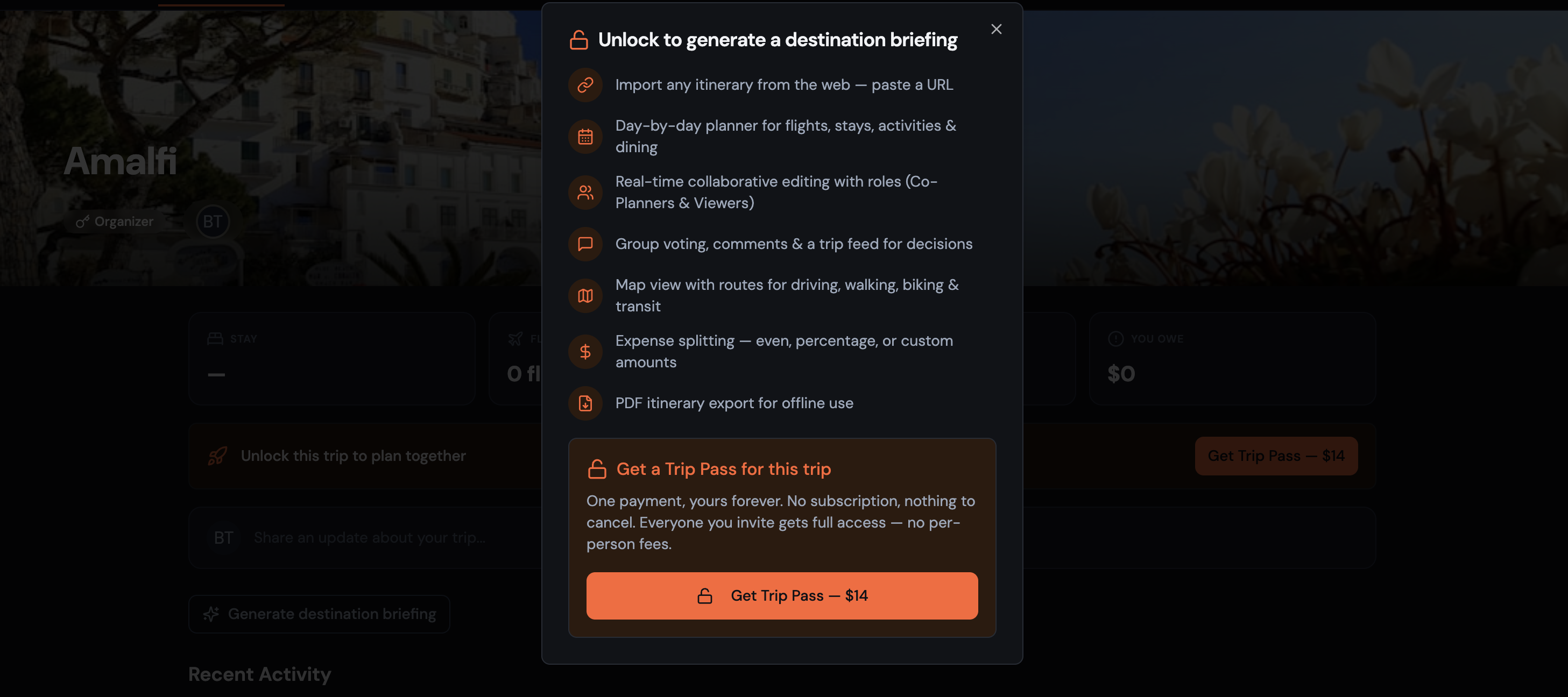
Why it's better:
- ✓ Pay once per trip instead of all year round
- ✓ Everyone you invite gets full access
- ✓ Your first trip is free, no card required
- ✓ Nothing to remember to cancel
🔎 Search your whole itinerary
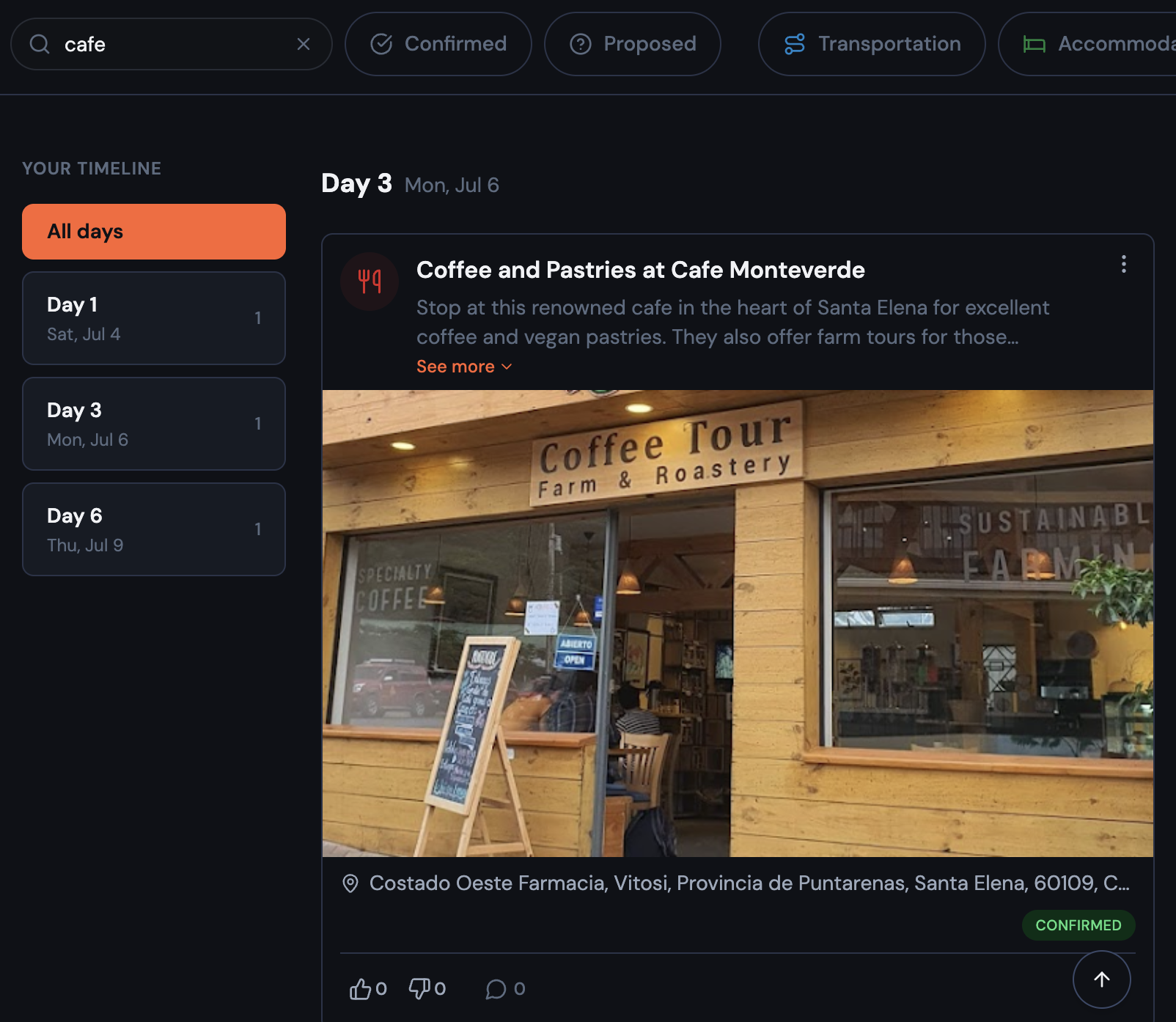
Big trips pile up fast — flights, hotels, dinners, that one museum someone insisted on. Now you can just type to find anything: by title, place, notes, confirmation code, airline, or flight number. It works across your timeline, calendar, and map views, and stacks with your existing category and status filters. On desktop it's an inline box; on your phone it's a quick button that pops open a search drawer.
🌍 A destination briefing on every trip
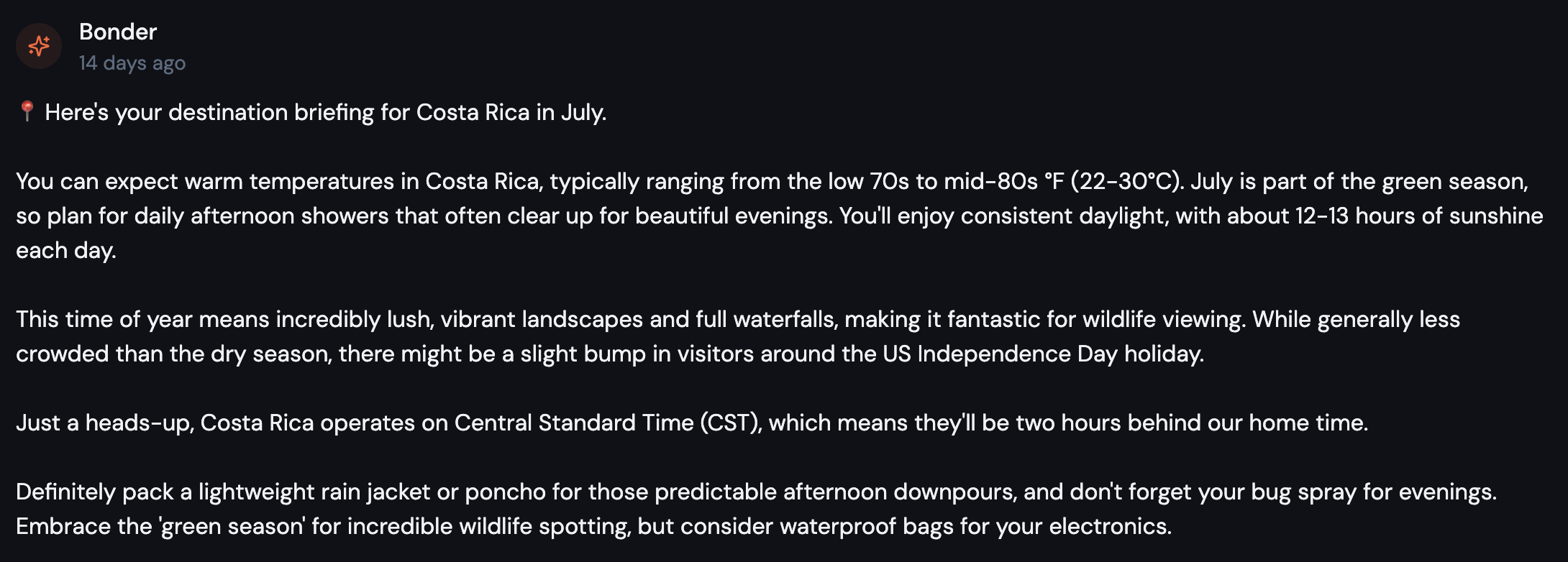
When you unlock a trip, Bonder now drops a short briefing right into your trip feed: what the weather's like, what to expect for the season, the local time zone, and a few packing tips — written like a knowledgeable friend. You can regenerate it any time from the trip feed.
📄 PDF exports, your way
Downloading a trip PDF used to be one-size-fits-all. Now you get to choose: include just the confirmed plans or everything (including proposed items), pick standard letter size or a phone-friendly layout that fits to your screen, and decide whether to include item comments.
✨ Other improvements
- Map routing is easier to use — turning on routing now drops you straight into picking stops: tap any two pins to see the distance and time between them. Routing the whole day is its own button now, so you no longer have to clear an existing route before you can select two pins.
- See who added or edited what — itinerary items and expenses now show a line like "added by Alice · edited by Bob · 2h ago," so you can tell who touched what on a shared trip. This kicks in for items created or edited from here on out.
- New trips name themselves — pick your destination when creating a trip and the name fills in for you. Type your own and it's left alone.
- Better location search — counties and districts (like "Maui County, Hawaii") now show up alongside cities, states, and countries.
🐛 Fixes and polish
A few small things that were getting in the way are now sorted:
- Editing a shared expense no longer changes who originally created it.
- The expense form now shows the amount and amount-paid fields all the time, and tapping the amount field on your phone no longer zooms the whole screen.
- On mobile, the last expense card is no longer hidden behind the floating buttons.
- Past trips now sort with the most recent at the top.
- Leaving a trip now sends you back to your dashboard instead of stranding you on a page you can't see anymore.
- Trip feed cards show a clickable cursor and the item time now sits right under the title where it's easy to scan.
That's May. Go plan something → Try Bonder free
Your next trip starts as an idea.
Save it in Bonder, then plan it day by day when you're ready. Free to start.
Try Bonder free →